
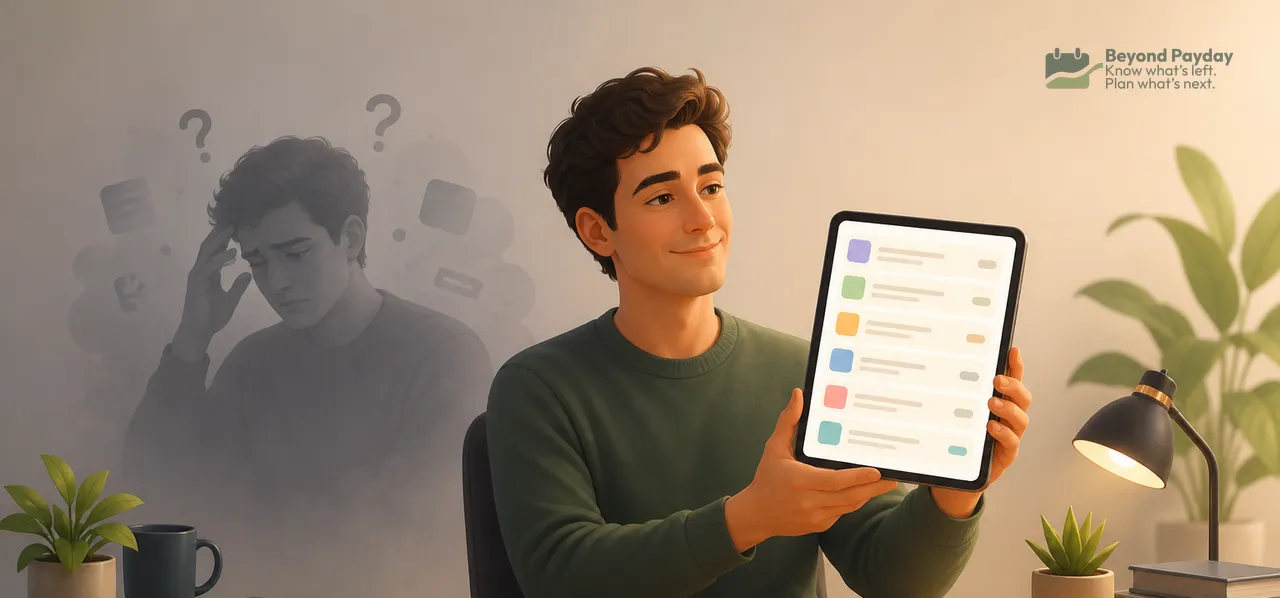
"Just go through your subscriptions and cancel what you don't use" is one of the most repeated pieces of budgeting advice — and one of the least effective. Most subscriptions aren't forgotten because people are careless. They're structurally hard to see in a normal monthly glance. A real audit has to work around that, not just repeat the advice louder.
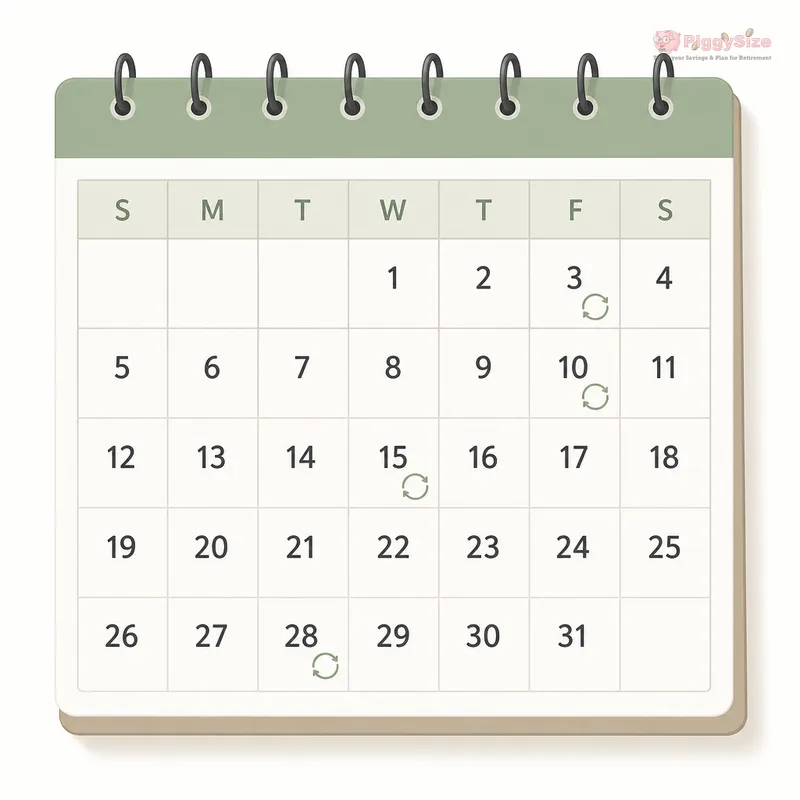
- Annual renewals don't show up in a monthly statement scan, so they get missed year after year.
- Free trials convert silently once the trial window closes, often without a reminder.
- Merchant names on statements frequently don't match the product name, so charges go unrecognized.
- App-store subscriptions bill through your phone account, not your bank, so they hide in a second location entirely.
- Stopping the payment isn't cancelling. Blocking a charge or swapping cards doesn't end the contract — cancel with the company first.
- The fix is a one-time full-year sweep across every source, then a short recurring check — and the real payoff is control, not a dramatic dollar amount.
Why the standard advice falls apart
"Review your subscriptions" assumes you can remember what you signed up for and see it clearly when you look. Neither is reliably true.
- Memory is unreliable for one-time actions. You may have signed up for something months or years ago, during a free trial, a promo, or a bundle — and never thought about it again.
- A single monthly bank statement doesn't show annual patterns. If a charge hits once a year, it can look like a one-off purchase instead of part of a recurring pattern.
- "Audit" implies a single event. Real subscription creep happens continuously — a new trial here, a renewed plan there — so a once-a-year cleanup misses everything that started since the last one.
The five ways subscriptions actually hide
Understanding the mechanics is what makes the process work — each one needs a different place to look.
1. Annual renewals outside the monthly window
If you only scroll through last month's statement, anything billed yearly simply isn't there to find. It resurfaces once, gets paid or ignored, and disappears again for another eleven months.
2. Free trials that convert without a signal
A trial period ends, the service quietly starts charging the regular rate, and there's often no separate notification beyond what may already be buried in an inbox. The charge then looks like just another line item.
3. Charges under a merchant name that doesn't match the product
A merchant descriptor can be a payment processor's name, a parent company, or an abbreviation. A subscription you use every week can still look unfamiliar on paper.
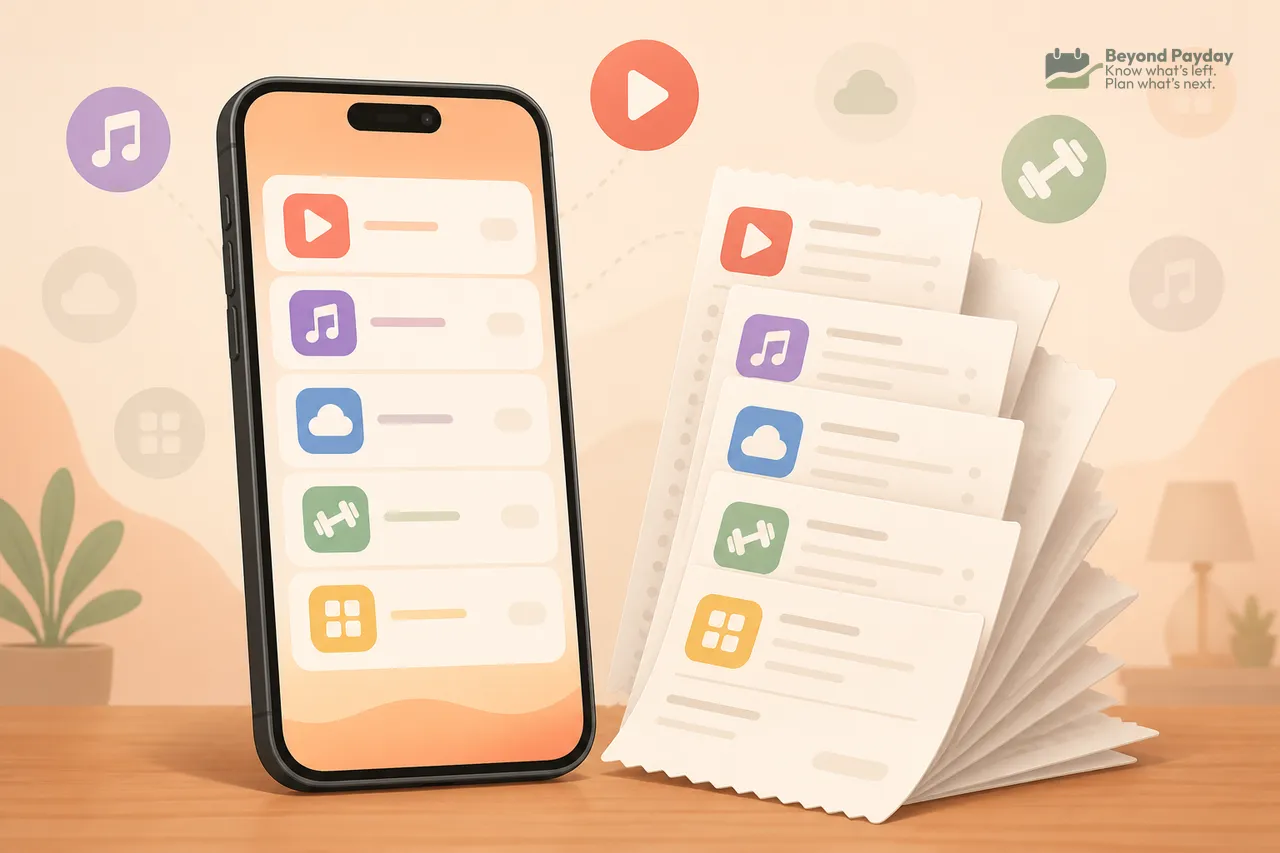
4. Subscriptions billed through an app store instead of a card
Many mobile subscriptions are billed through the phone's app store account rather than showing as a normal charge with the company's name on your bank or credit card statement. That means there's a second place entirely to check — one most people never think to open.
5. Cancellation that's harder than sign-up
Some services require a phone call, a specific in-app path, a retention offer to click past, or a cancellation window tied to the billing date rather than the trial end date. This friction doesn't just annoy — it directly causes some cancellations to fail silently.
The legal backstop is thinner than many people assume. The FTC's 2024 "click-to-cancel" rule was vacated by a federal appeals court in July 2025, and the FTC only reopened that rulemaking in March 2026. Older federal law (the Restore Online Shoppers' Confidence Act) and a patchwork of state auto-renewal laws still apply, so how easy cancelling has to be depends on the seller and the state.
Watch out
A charge you don't recognize isn't automatically fraud, and it isn't automatically a subscription you forgot. Before disputing anything, it's worth checking the merchant name against your app store, email receipts, and recurring-payment settings first.
Where to actually find the full list
A workable audit checks four separate places, not just one bank app.
- A full year of statements, every card and checking account. Twelve months, not one, so annual renewals show up. Scanning line by line — rather than searching for a company name you already remember — catches the ones you'd otherwise miss. Tracking income and spending closely is the same habit that makes patterns like this visible in the first place.
- Phone app store subscription settings. Both major mobile platforms have a dedicated subscriptions screen inside account settings that lists everything billed through the store, separate from your bank.
- Recurring or preapproved payment authorizations. Payment services that let a merchant charge you repeatedly — the kind used for many digital subscriptions — usually have their own settings page listing every business with standing permission to bill you.
- Email search across the full year, using terms like "receipt," "renewal," "trial," or "your subscription," rather than trusting memory to surface which companies to search for by name.
Some bank and card apps now group recurring merchants into one view. It's a useful shortcut, but it only sees that one card or account — it doesn't replace checking the other three places.
How to decide what to keep
The goal isn't to feel guilty about a small monthly charge — it's to know it exists and decide on purpose. A few honest questions work better than judging every line item:
- Did I use this in the last billing cycle? Not "do I like the idea of it" — actual use.
- Do I remember signing up, and why? If not, that's a flag worth investigating further, not necessarily cancelling.
- Is there a free or already-paid-for equivalent? Sometimes a subscription duplicates something already covered elsewhere (a bundle, a library service, a feature you already have).
- Would I sign up for this again today, at this price? A useful reframe for anything on autopilot.
Sort everything into three simple piles: keep, cancel, and unsure. Revisit the "unsure" pile in a month rather than forcing a decision immediately — some answers only become clear with a little distance.
Cancelling so it stays cancelled
The cancel pile is where most audits quietly fail a second time.
- Cancel with the company, not just the payment. The CFPB notes that canceling an automatic payment doesn't cancel what you owe — an unpaid balance can still be billed or sent to collections.
- A new card number doesn't always stop a charge. Card networks run account updater services, so a subscription can follow you to a replacement card.
- Keep the proof. A confirmation email, number, or screenshot is what settles a charge that shows up after cancelling.
- Check the next statement. One cycle later is when a failed cancellation shows itself.
- Bank-account debits have one more lever. For automatic payments from checking, a bank can also be told to stop paying a specific company — often with a stop-payment order that may carry a fee.
Tip
Small recurring charges add up in aggregate, but treating a single $6 charge as a moral failure misses the point. The value of the exercise is visibility, not frugality theater.
Catching the next one before it hides again
A one-time sweep fixes the past; a light recurring habit is what keeps the list accurate going forward.
- Set a reminder near any trial's actual end date, not the sign-up date — trial lengths vary and the charge date is what matters.
- Do a short check every few months instead of one big annual audit. A quarterly ten-minute pass across the same four places (statements, app store, recurring authorizations, email) catches new sign-ups while they're still recent and easy to recall.
- Glance at statements for anything you don't immediately recognize, rather than only searching for names you already expect to see.
An example with real numbers
Illustrative numbers.
Suppose a year-long statement sweep turns up:
| Found where | Example charge | Frequency | Status after review |
|---|---|---|---|
| Card statement, month 9 | Streaming-style service, unfamiliar merchant name | Annual | Kept — recognized once matched to email receipt |
| App store settings | Small utility app | Monthly | Cancelled — unused in 6+ months |
| Recurring authorization list | Fitness-style app, trial from over a year ago | Monthly | Cancelled — trial long since converted |
| Email search | Cloud storage add-on | Monthly | Kept — actively used |
Here, two of four recurring charges get cancelled. If those two together totaled roughly $15 a month, that's about $180 a year recovered.
The honest bottom line
Most subscription audits recover a modest amount, not a dramatic one. The real value is usually knowing what's actually being billed, on purpose, rather than by default. That's a different goal from cutting every small expense, and it's worth treating it that way — as a control exercise, not a deprivation exercise.
Once the list is visible, keeping it visible is mostly about where recurring charges show up against the rest of a normal monthly budget, so they don't quietly become invisible again.
FAQ
Why don't I recognize the charge name for a subscription I actually signed up for?
Companies often bill through a separate payment processor or parent company, so the name on your statement (the merchant descriptor) can look nothing like the product or app name you know.
Why do free trials sometimes charge me even though I thought I cancelled?
Some trials require cancellation through a specific menu, portal, or by a specific date — simply stopping use isn't enough. A missed step or a slightly-off date can let the trial convert automatically.
Are app-store subscriptions harder to find than card subscriptions?
They can be, because they're billed through your phone's app store account rather than appearing as a normal line item with the merchant's name on your bank or card statement.
How often should I actually check for subscriptions?
A single thorough look across a full year of statements once, followed by a brief check every few months, tends to catch more than trying to remember everything from memory in one annual sitting.
Is it worth the effort if the savings are small?
The dollar amount recovered is often modest, but many people find the value is in having an accurate, current picture of recurring commitments rather than in the specific amount saved.
Related reading
Where does your money go? How to track your spending
You can't fix a budget you can't see. Here's how to track spending manually or automatically, sort it into categories that mean something, and actually use the review.

How to make a budget that actually works
A budget only works if it matches your real income, splits fixed from variable costs, and runs on autopilot. Here's the step-by-step process.
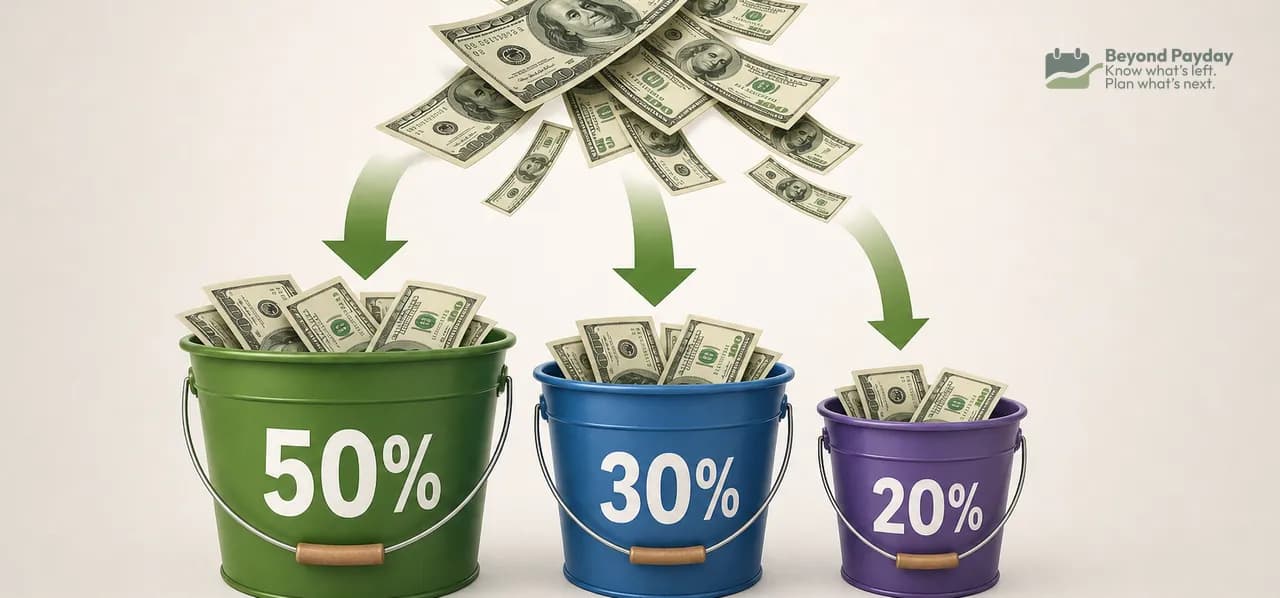
The 50/30/20 budget rule, explained
The 50/30/20 rule splits your take-home pay into needs, wants, and savings. Here's exactly how the math works, a full example, and where the rule breaks down.
Beyond Payday is a planning tool, not a financial advisor. This article is educational — projections and examples are estimates, not financial, tax, or investment advice.