

Keeping track of every bill starts with one master list of everything you owe and when, built from your statements, email, and app subscriptions — not from memory. Turn that list into a monthly calendar lined up against your paydays, add reminders or autopay where it helps, and review it for five minutes once a month. That combination is what actually stops bills from being missed.
- Build one master list first — pull bills from bank/card statements, email receipts, and app-store subscription settings, since no single source shows everything.
- Record five fields per bill: amount, due date, frequency, whether it's on autopay, and which account pays it.
- Don't forget annual and semi-annual bills — insurance premiums, car registration, and memberships are the ones people most often miss.
- Line the calendar up against paydays, not just the 1st of the month, so you can see cash gaps before they happen.
- Autopay helps and hides risk at the same time — it prevents late payments but can overdraw an account or mask a price increase if nobody checks it.
Step 1: build one master list of every bill
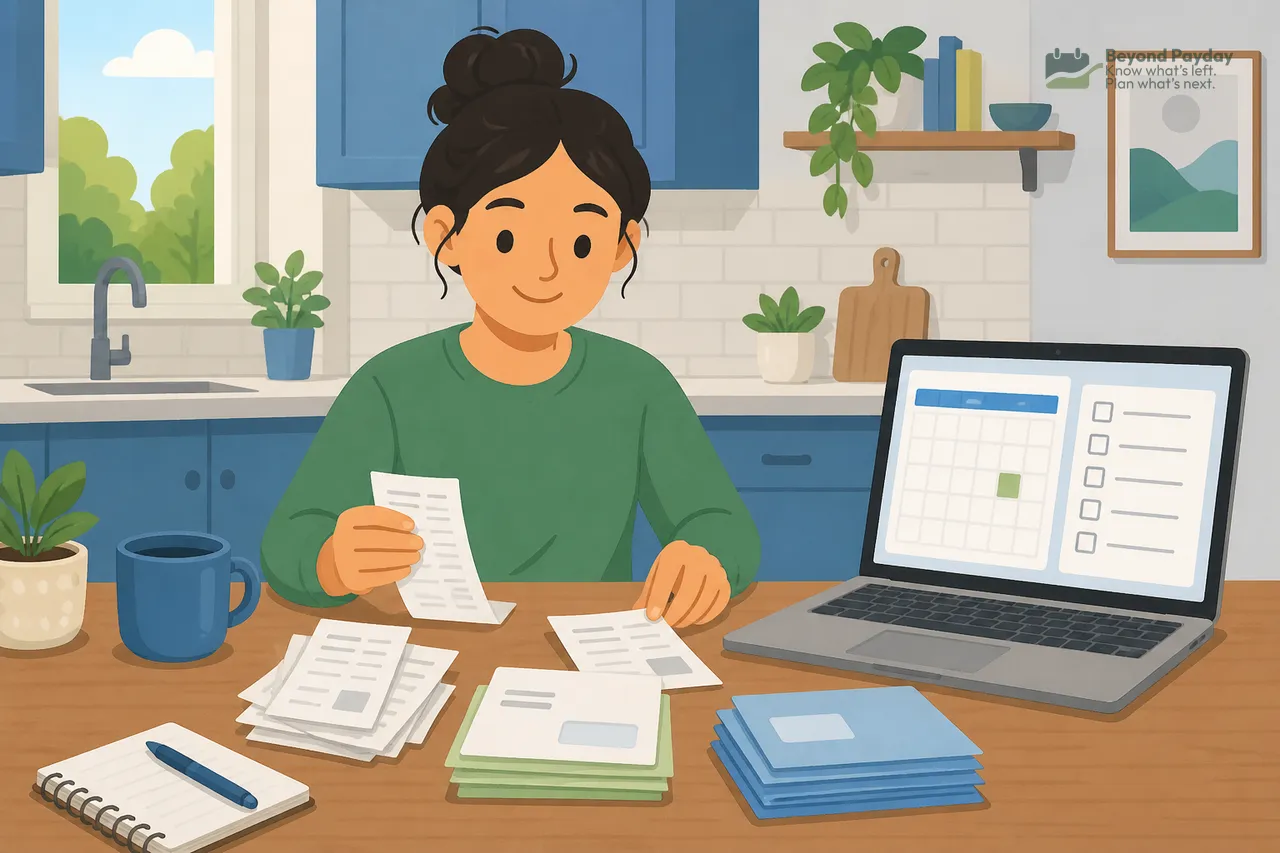
Most missed bills aren't forgotten on purpose — they were never written down anywhere in the first place. The fix is a single list that pulls from every place a bill could be hiding.
Where to look:
- Bank and credit card statements — scroll back 2–3 months to catch anything billed less than monthly.
- Email inbox — search for "receipt," "invoice," "renewal," or "payment confirmed" to surface things paid by card that don't show up as a distinct line until they hit your statement.
- App store / subscription settings on your phone — this is where forgotten app subscriptions and free-trial-turned-paid charges usually surface.
- Physical mail and paper files — for anything still billed by mail.
- Payroll or benefits portal — for anything deducted directly from a paycheck, like a retirement contribution or benefits premium, which is easy to overlook because it never touches your bank account.
The CFPB's guidance on budgeting points to tracking both income and bill due dates as a foundation for a realistic budget — the same logic applies to a standalone bill list.
Watch out
The bills people miss most aren't the monthly ones — they're the ones that show up once or twice a year: car registration, an insurance premium billed semi-annually, a professional membership, a domain or software renewal, property tax if it isn't escrowed. Because they're rare, they're easy to forget until a late notice arrives.
Step 2: record the fields that actually matter
A list with just "amount and due date" is enough to build a calendar, but a few extra fields prevent the most common mistakes.
For each bill, worth recording:
- Amount — even if it varies month to month, note a typical range.
- Due date — the actual due date, not the date you usually happen to pay it.
- Frequency — monthly, quarterly, semi-annual, or annual.
- Autopay status — is it on autopay or does someone need to pay it manually?
- Account paid from — which checking account, card, or payroll deduction covers it.
Optional but useful: the grace period for bills that have one, since it changes how much slack you actually have.
Step 3: turn the list into a calendar, lined up with paydays
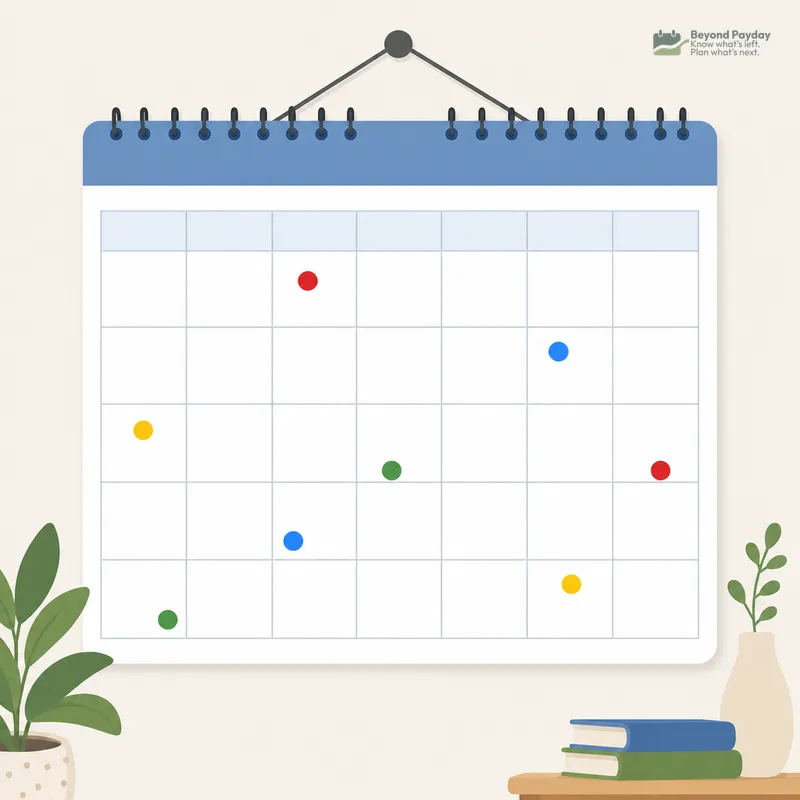
A list tells you what you owe. A calendar tells you when — and whether the money will be there when it's due. The CFPB's Your Money, Your Goals toolkit frames this as cash-flow budgeting: matching money coming in against money going out on a timeline, not just totaling both separately.
The useful step most people skip: mark paydays on the same calendar as bill due dates. That's what reveals a cash gap — a stretch where several bills land before the next paycheck arrives — before it turns into an overdraft. When a gap keeps showing up, the simplest fix is often asking the biller to move the due date — many card issuers, utilities, and lenders allow it.
Example: one month's bills against two paydays
An illustrative month for someone paid semimonthly (on the 1st and 15th). Biweekly paydays drift a little each month, so that calendar needs a fresh look every month.
| Date | Bill (example) | Amount (example) | Autopay? |
|---|---|---|---|
| 1st | Payday | +$2,100 | — |
| 3rd | Rent | $1,200 | Manual |
| 5th | Phone bill | $65 | Autopay |
| 10th | Streaming subscriptions (bundled) | $35 | Autopay |
| 12th | Credit card minimum | $150 | Manual |
| 15th | Payday | +$2,100 | — |
| 18th | Car insurance (monthly plan) | $110 | Autopay |
| 22nd | Electric bill | $90 | Manual |
| 28th | Car registration (annual, due this month) | $180 | Manual |
Laid out this way, it's visible that the 1st–14th stretch carries the heaviest fixed costs (rent, phone, subscriptions, card minimum), while the annual registration bill lands in the second half — a bill that's easy to miss entirely if it isn't written down anywhere outside the DMV renewal notice.
Autopay: what it solves and what it doesn't
Autopay removes the step of remembering to pay, but it doesn't remove the need to watch the account.
What autopay is good at:
- Eliminating late fees caused by simple forgetfulness.
- Protecting credit history on accounts where a missed minimum payment can be reported. Creditors generally report a payment as late to the credit bureaus only once it's 30 days past due, according to Experian — but late fees can hit the day after the due date.
- Reducing the mental load of tracking every due date manually.
Where autopay creates new risk:
- Overdrafts — if the paying account is running low when the autopay hits, it can trigger an overdraft fee instead of preventing a late fee.
- Hidden price increases — because the payment happens without review, a bill that quietly rises (a subscription price bump, an insurance premium increase at renewal) can go unnoticed for months.
- Timing mismatches — a due date that shifts, or a payday that lands a day later than usual, can leave less buffer than expected.
Tip
A common middle ground: keep recurring, stable-amount bills (phone, streaming, insurance) on autopay, and pay variable or larger bills (credit cards, rent) manually, so a human still looks at the amount before it leaves the account. Another common setup for cards: autopay the minimum as a safety net, then pay the rest by hand after reviewing the statement.
Reminders and the "bills account" approach
Beyond a calendar, two habits reduce missed or mistimed payments further.
- Reminders — a recurring alert a few days before each due date, separate from autopay, acts as a backstop in case an autopay fails or a manual bill was forgotten.
- A dedicated bills account — some people route a fixed amount from each paycheck into a separate checking account used only for bills, so the money for rent, insurance, and subscriptions is never mixed with spending money and can't accidentally get used up before the due date arrives.
- A sinking fund for the irregular bills — setting aside a smaller, predictable amount every month toward a sinking fund turns one large annual bill into something already covered when it arrives, instead of a surprise expense.
The CFPB's Your Money, Your Goals toolkit also covers prioritizing which bills to pay first when money is tight in a given month — a separate but related skill from simply tracking what's owed.
Comparing tracking methods
There's no single best system — the right one depends on how many bills someone has, how much they change month to month, and how much manual upkeep feels sustainable.
| Method | Pros | Cons |
|---|---|---|
| Paper planner / notebook | No tech needed, hard to "lose" to a software update, forces a physical habit of writing things down | No automatic reminders, doesn't update itself when amounts change, easy to leave at home |
| Spreadsheet | Fully customizable fields and formulas, free-form, works offline | Requires manual updates every time a bill changes, no built-in alerts unless set up separately |
| Bank bill-pay | Payments and reminders live in the same place as the money, some send due-date alerts | Usually only covers bills paid through that one bank, doesn't capture bills on other cards or subscriptions |
| Dedicated bill-tracking app | Can pull in bills across accounts, often sends proactive reminders and flags amount changes | Requires linking accounts, and different apps vary in how much they can actually detect automatically |
The monthly five-minute review
A list built once and never revisited slowly goes stale — due dates shift, amounts change, and new subscriptions appear without anyone noticing.
A short monthly check tends to catch most of it:
- Scan the last month's statements for any charge not already on the list.
- Confirm autopay amounts haven't changed from what's recorded.
- Check the account balance against upcoming autopay dates for the next two weeks.
- Cross off or update any bill that ended, paused, or changed price.
- Glance ahead one month for anything annual or semi-annual coming up.
Common mistakes
- Forgetting annual or semi-annual bills because they don't appear on a monthly statement pattern — they need to live on the master list even though they're rare.
- Autopay pulling from an account that's running low, turning a bill that should have been "handled" into an overdraft fee instead.
- A due date changing without much notice — some billers shift due dates after a plan change, a new billing cycle, or a loan moving to a new servicer, and the old date stays in someone's head long after it's wrong. (Credit cards are the stable one: a federal law called the CARD Act requires a card's due date to land on the same day each month.)
- Treating a paid-off or canceled subscription as gone without removing it from the list, then missing that it actually renewed.
- Relying on memory alone for bills that don't have any reminder or autopay set up at all.
FAQ
What's the fastest way to find every bill I have?
Go through a full month or two of bank and credit card statements, then check your email for receipts and your phone's subscription/app-store settings, since those three places catch almost everything, including things billed automatically.
Should I put all my bills on autopay?
Autopay reduces the risk of a late payment, but it works best when paired with a buffer in the paying account and a periodic check that amounts haven't quietly increased.
How do I remember bills that only come once or twice a year?
Recording the amount and due month on the master list, or setting aside a monthly amount toward them in a dedicated fund, are two common ways people avoid being caught off guard by annual bills like insurance or registration.
What's the difference between a bill calendar and a budget?
A bill calendar focuses on when money leaves your account and how much, while a budget covers all income and spending categories; many people use both together.
How often should I update my bill list?
A short review once a month is a common rule of thumb, since due dates, amounts, and even the number of bills you have can change more often than people expect.
Related reading

How to make a budget that actually works
A budget only works if it matches your real income, splits fixed from variable costs, and runs on autopilot. Here's the step-by-step process.

Where does your money go? How to track your spending
You can't fix a budget you can't see. Here's how to track spending manually or automatically, sort it into categories that mean something, and actually use the review.
Beyond Payday is a planning tool, not a financial advisor. This article is educational — projections and examples are estimates, not financial, tax, or investment advice.